





What happens when you drop a Word contract, an Excel sheet, or a PowerPoint deck into a free AI translator? Usually the formatting breaks and your brand terms come out inconsistent.
AI document translation converts Office files directly and keeps the layout, avoiding formatting errors and terminology inconsistency. For company files, the tool you pick decides whether terminology, formatting, and data stay under control. Here's how it works across the three formats, and what to check first.
How AI Document Translation Works for Word, Excel, and PowerPoint
Under the hood, AI document translation applies an AI translation to a file's text while keeping the structure around it in place. Each Office format works a bit differently.
-
Word. You translate a selection or the full document. The output replaces the text or appears alongside it, depending on your setting.
-
Excel. You translate one cell or many at once. Each non-empty cell is translated on its own, then replaces the original or lands in the next column.
-
PowerPoint. You translate the text in each text box, slide by slide.
The difference between tools shows up in what comes back. A business-grade tool returns the file with formatting intact, so you don't rebuild the layout by hand. Some tools now run this directly inside Microsoft 365, so you translate without leaving the document.
Why Generic AI Translation Falls Short for Business Documents
A free translator or a general-purpose AI tool handles a personal file well enough. Company documents are a different problem, and three costs show up fast.
Your brand drifts. Generic AI doesn't know your terminology or tone. It translates fast and drifts, so product names and key terms come out different in every market. Your reviewers then re-translate instead of review, and a job of hours turns into days.
Your data is exposed. Every time someone pastes a confidential file into a public model, that content leaves your control. For a contract or unreleased product doc, that's an IP risk you can't undo.
Your spend fragments. Teams reach for ChatGPT, DeepL, and agencies in parallel. Costs rise with every market, with no audit trail and no shared context.
Those costs are pushing translation onto managed platforms, and the market is following: language technology platforms grew 19.8% in 2025 to reach 16.1% of the language services market, according to Slator's 2026 market report.
What to Check Before Translating Company Files with AI
Before you run a business file through any AI translator, check three things.
On-brand output. The tool should apply your glossaries, style guides, and past translations, so terminology stays consistent across every file and every team.
Data control. Your content should stay on secure, compliant infrastructure and never feed a public training model. Ask where your data is processed and under which certifications.
Formatting. The translated file should come back ready to use, not as raw text you reformat.
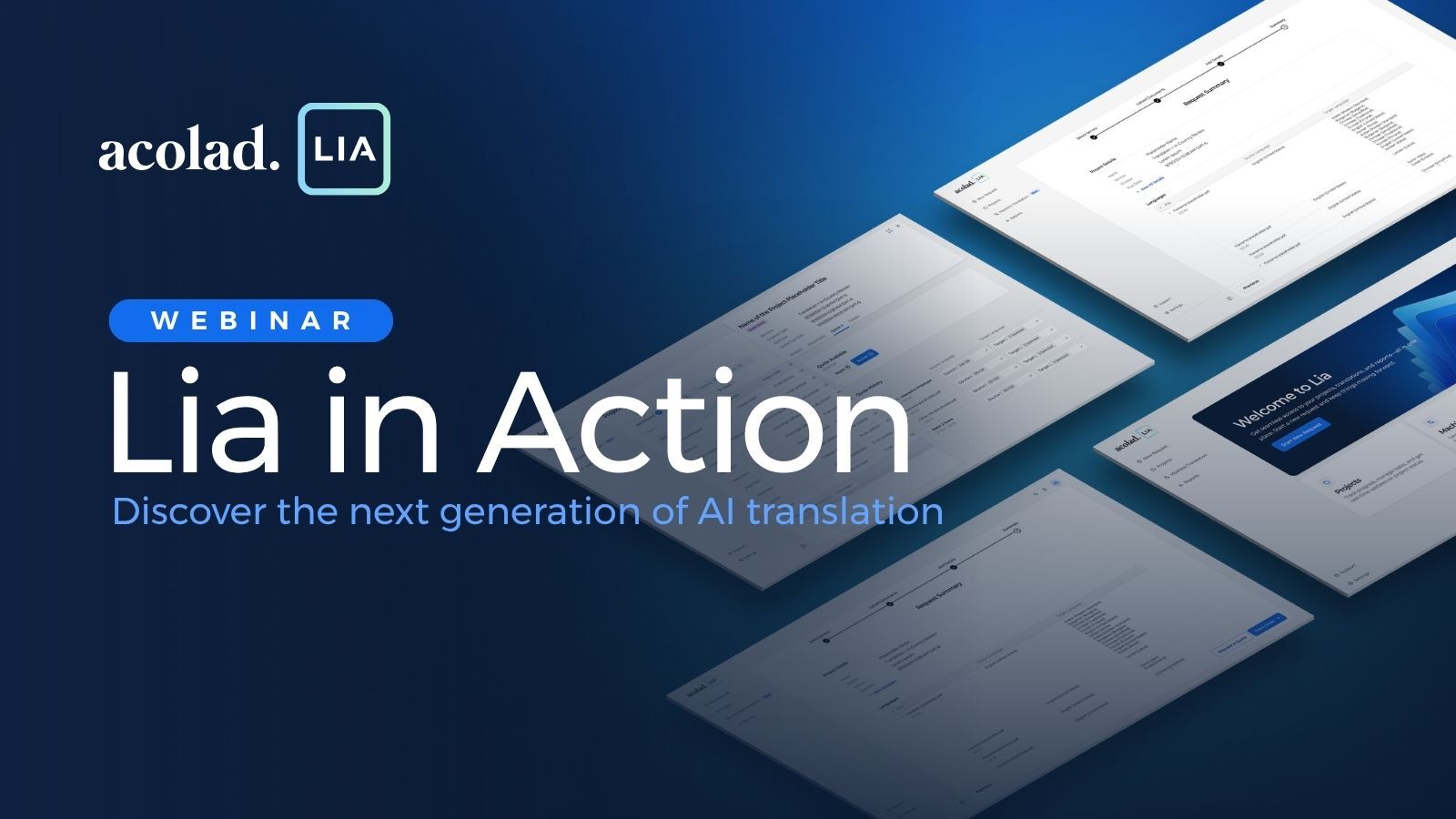
To meet these requirements, we built Lia Go, the enterprise AI translation tool within Lia, Acolad's AI translation platform. It translates Word, Excel, and PowerPoint files, applies your brand assets to each one, and returns them with formatting in place. It runs on infrastructure certified to ISO 27001, SOC 2 Type II, and ISO 17100, is GDPR-compliant, and does not use your content to train public AI models.
Translate Where You Work, on Your Terms
For company content, speed alone isn't the point. The tool has to keep your terminology, your formatting, and control of your data. Pick one built for business, and translating an Office file becomes a single step, not a detour.
See how Lia Go handles AI document translation across Word, Excel, and PowerPoint.
Key Takeaways
-
AI document translation converts Word, Excel, and PowerPoint files into another language while keeping their structure.
-
In Word you translate a selection or the whole file, in Excel individual cells or the whole file, in PowerPoint the text in each box or the whole file.
-
Generic AI carries three costs on business content: brand drift, data exposure from public models, and review rework.
-
A business-grade tool applies your terminology, keeps files secure and compliant, and returns them with formatting intact.
-
Lia Go brings AI document translation into Office, grounded in your brand assets, ISO 27001 and GDPR-compliant, with human review available through Lia Services.















.png)